When should you shoot RAW or JPEG?
Choose a capture format by comparing editing latitude, file size and delivery time. Use one scene to test both workflows.
Nov 16, 2026, 11:01 AM UTC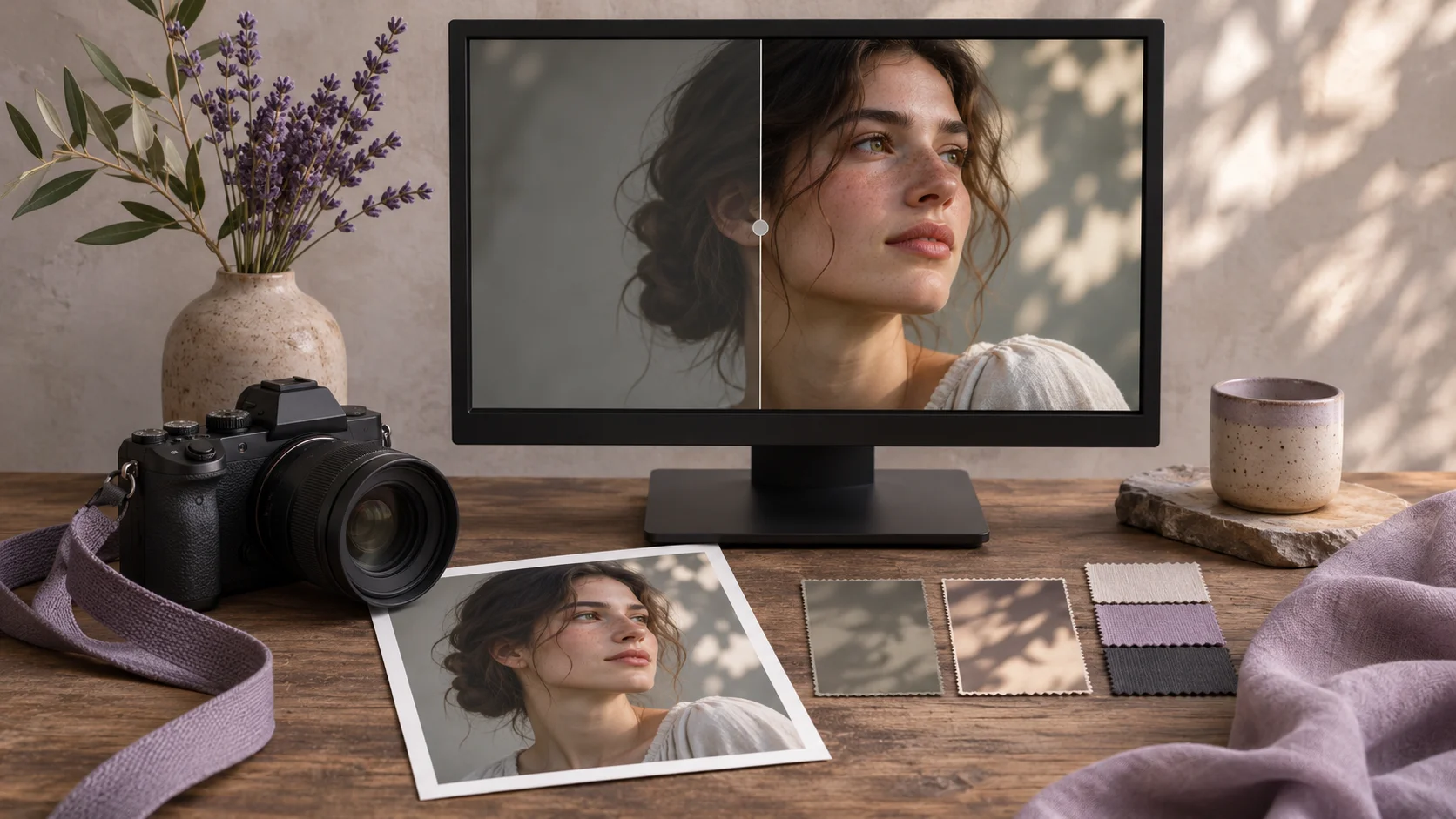
Imagine photographing a school concert. The organisers need a handful of pictures for a same evening announcement. The next morning, you want to spend more time on two portraits for the family album. The camera can make both sets during one event, but the delivery jobs differ. That is where choosing JPEG, RAW or both becomes useful. Decide what each recipient needs, when they need it and what changes you might need to make after the shoot. Those questions will tell you more than an argument about which format is best in the abstract.
See what the camera puts into each file
When a camera makes a JPEG, it applies decisions about colour, tone, sharpness and noise reduction. The result is usually a smaller file that opens in a wide range of viewers and devices. If the camera's rendering suits the job, the image may be ready to send shortly after capture. You can still edit it, but strong changes to tone or colour can expose the limits of what the processed file retains. The decisions in the camera deserve attention when you are relying on the file it produces.
A RAW file holds capture data that a RAW editor can interpret. Different editors can produce different starting looks for the same frame. The extra flexibility can help when you need to change white balance or adjust shadows. It will not bring back completely lost detail or fix focus and motion blur. RAW files also take up space, and the final share copy often requires an export. For a camera maker's explanation of these tradeoffs, see Nikon's RAW and JPEG guide.
Compare both formats using one test scene
Place a pale object, a piece of dark fabric and a coloured object on a table near a window. Use a camera setting that records RAW and JPEG together if one is available. Open the JPEG in your usual viewer and the RAW file in your editor. Look at each before making changes. Then adjust the white balance in the same direction and lift the dark fabric slightly. Compare at the same zoom and on the same display so that viewing conditions do not determine the outcome.
Export the RAW edit as a JPEG and open it beside the camera JPEG at the same size. Look for a natural colour and a smooth transition from light to shadow. Record how long it took to reach a version you would actually send. Repeat with a different lighting condition if the first pair looks similar. This small exercise helps identify which scenes benefit from editing latitude and which go straight through your normal delivery process. It also tells you whether the RAW editor on the computer you actually use can open the files from your camera.
Match your capture choice to the work
An artisan might photograph products under constant lighting for a shop update due that day. A camera JPEG may be convenient if the team agrees on the picture settings first and checks one sample at its real page size. A consistent setup makes it easier for one person to select and rename files while another prepares the upload. Agree how the team will handle an exception, such as a pale fabric that loses detail against the background.
During a portrait session or an event with changing indoor and outdoor light, RAW can give you room to work on important pictures the following day. Recording both formats lets you share the immediate JPEG and keep the RAW source from the same exposure. It uses more card and backup space. If you depend on bursts, try recording a short sequence with the selected settings and watch how quickly your own camera writes it. Make this test with the card you intend to use. The result may matter more than a generic rule about file formats.
Keep the roles of the files clear through delivery
Pair matching files by frame number. Use filenames or folders that identify the camera JPEG, the approved edit and the RAW source. Ask someone to open an exported sample on the device they will use and confirm the format and dimensions for their destination. A photo intended for a shop listing may need a different export from the full resolution copy intended for print.
Finally, find one frame in the archive and export it again. A different application or profile may change the appearance, so keep the approved delivery file with the record of what you sent. Before the next shoot, note which jobs call for immediate JPEG delivery and which need an editable RAW source. You can then make the choice using evidence from your own camera, editor and delivery deadline.